
 German / Deutsch
  English
  French / Français
  Spanish / Español
  Dutch / Nederlands
  Italian / Italiano
  Polish / Polski
  Norwegian / Norsk
  Danish / Dansk
  Finnish / Suomi
  Swedish / Svenska
  Czech / Česky
  Greek / Ελληνικά
  Slovak / Slovenčina
  Slovenian / Slovenščina
  Estonian / Eesti
  Latvian / Latviešu
  Lithuanian / Lietuvių
  Hungarian / Magyar
  Romanian / Română
  Bulgarian / Български
  Portuguese / Português
Choosing the Right Cables, Adapters, Power Cables & Accessories
This B2B guide assists procurement, technical, retail and industrial departments, system integrators and public sector clients in systematically selecting the right cables, adaptors and accessories, avoiding incorrect orders and preparing procurement, projects and documentation effectively.
The focus is on the selection and procurement of power cables, international connection solutions, LAN and Ethernet cables, PoE, USB-C, fibre-optic and video connections, as well as bespoke products, packaging, product data and compliance documents.
Quick access to the right help
At MAG, we deliberately keep selection, technical knowledge and service enquiries separate. Choose the section that best suits your current task.

Find the right power cable
Narrow down your search for a power cable or power extension lead based on target market, IEC connector, power requirements, length and specific requirements.
Launch the Cable Finder →
Cable Glossary
Look up plug types, IEC 60320, cable designations, cross-sections, AWG, LAN shielding, PoE, fibre optics, USB-C, certification marks and other technical terms.
Open the Cable Glossary →
FAQ for business customers
Answers to questions about registration, ordering, delivery, payment, product availability, projects and other B2B enquiries.
Open FAQs →B2B Guide
Systematically prepare for product selection, procurement planning, bespoke manufacturing, documentation, product data, retail and project business.
Read more in the guide →What would you like to do?
Selecting power cables
Systematically select country-specific plugs, IEC device connectors, power requirements and cable length.
Use the finder →Order standard items
Select power cables, USB-C, LAN, fibre optic, HDMI, adaptors, power supplies and accessories.
View product range →Clarify technical details
Classify connectors, cross-sections, standards, LAN shielding, PoE, USB-C functionality, fibre-optic types or cable designations.
Use the cable glossary →Plan a project or series
Coordinate custom lengths, colours, connector combinations, OEM requirements and target markets.
Open project area →Retrieve certificates
RoHS, REACH, WEEE, conflict minerals, quality management and social standards.
Open documents →This guide assists with selection, procurement and project planning. For a specific shortlist of power cables and extension leads for IT equipment, use the Cable Finder . Technical terms and detailed information can be found in the Cable Glossary . Questions regarding registration, ordering, dispatch and service are answered in the FAQ .
1. Basics & Areas of Application in B2B
MAG GmbH is a manufacturer and wholesaler of cables, adaptors and accessories. Business customers can purchase standard items, DINIC products, project-specific solutions and bespoke products directly via mag-kabel.de from a B2B environment featuring technical classification, clear product data and personalised support.
IT & Networking
Workstations, data centres, LAN, fibre optics, servers, storage and structured cabling.
Industry & OEM
Equipment manufacturing, mechanical engineering, plant, volume procurement, exports and repeat procurement.
Retail & POS
DINIC product ranges, packaging, displays, counters, shelving, promotional areas and resale.
Public sector clients
Procurement with traceable data, evidence and documentable product information.
Find out more about MAG GmbH → Reference projects & sector solutions →
2. Product Categories: Power, Data, Signalling and Accessories
For professional procurement, it is not just the product name that matters. The application, target market, technical specifications, stock availability, re-procurement options and the appropriate documentation are all crucial.
Power & mains cables
National and international power cables, extension leads for low-voltage equipment, extension leads for high-voltage equipment, power adaptors, IEC-Lock, plug sleeves and country-specific variants.
View the power range →Computers, Networking & Fibre Optics
LAN patch cables, fibre-optic cables, fibre-optic connectors, S-ATA/SAS, USB, USB-C and accessories for IT and infrastructure.
Open Computers & Networking →Video, Audio & Signalling
HDMI, DisplayPort, DVI, VGA, Toslink, audio and other connections for the workplace, meeting rooms, media technology and retail.
View Video & Monitors →Procurement checklist before ordering
If you clarify these points before placing an order or making a project enquiry, you’ll reduce the need for follow-up enquiries, incorrect orders and unnecessary variants.
3. Power, power cables, standards & international variants
When it comes to power cables, the procurement and engineering teams should not only consider the plug type. Other relevant factors include the target market, protective earth, IEC device-side specifications, current rating, cable length, cross-section, cable type, certification marks and the operating environment. For international projects, there is also the fundamental decision as to whether a country-specific power cable, an adapter solution or a standardised product family is the more economically and technically sensible procurement strategy.
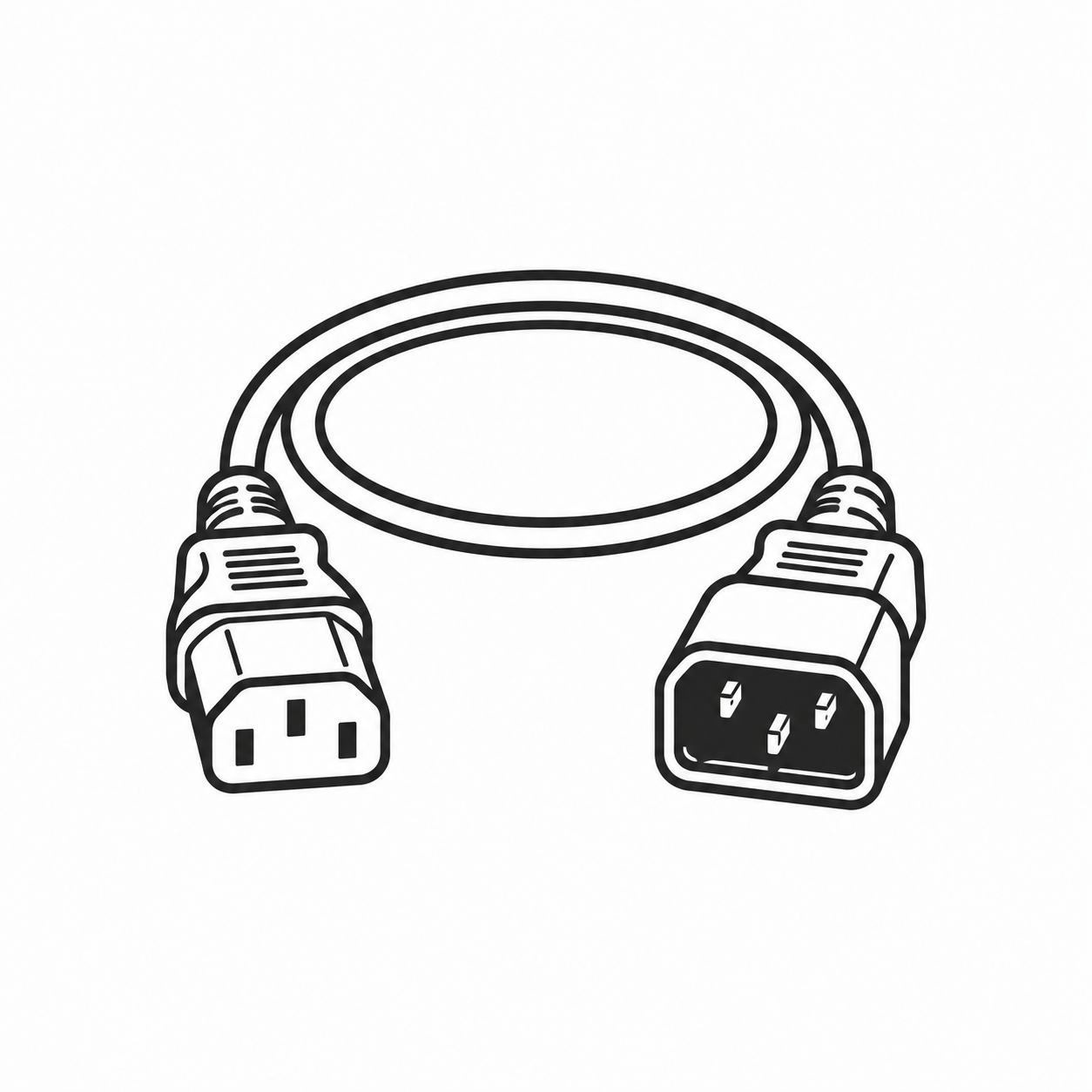
Select a mains cable or IT extension lead directly
If the required combination has not yet been clearly determined, the MAG Cable Finder guides you step by step through the most important selection criteria and then to the appropriate product range.
Recommended order for selection
market Determine the country and mains plug.
Check the IEC input and protection class.
Match the rated current and cross-sectional area.
Specify length, cable type and operating environment.
Check the certification marks and target market.
Country plugs & IEC equipment side
CEE 7/7, UK Type G, Swiss Type J, Danish Type K, US Type B, Indian Type D/M and other mains plugs must be suitable for the destination country and the appliance side.
Mains plugs worldwide → IEC 60320 appliance plugs → C13 / C15 / C17 → Select C13 / C15 / C19 →
Cross-section & cable designation
Specifications such as 0.75 / 1.0 / 1.5 mm², H05VV-F, H07RN-F, 3G1.5 or AWG help to classify the load, cable and operating environment.
Approval marks, LSZH & special cases
ENEC 10, VDE compliance, halogen-free LSZH cables, data centres/OCP and country-specific requirements should be taken into account at an early stage.
ENEC 10 & VDE → Halogen-free LSZH mains cables → OCP AC power cables →
Operational safety & international standardisation
For servers, PDUs, data centres, industrial applications and series projects, mechanically secured IEC connections and cable ranges suitable for international use can simplify procurement and operation.
Securing power cables against accidental disconnection → C13/C14 with multiple approvals →
International target markets: power cables, Type G or adaptors?
For export, roll-out and mass production requirements, the connection solution should be determined at an early stage. A mechanically compatible plug or adapter alone does not necessarily indicate suitability for the target market. The decisive factors are the type of application, device plug, protective earth conductor, current-carrying capacity, fuse protection and the certification documentation for the specific product.
Country-specific power cable
For mass-produced devices, OEM applications, export and permanently defined target markets, a suitable, complete power cable is often the neatest solution. It reduces the number of additional connection points and simplifies clear allocation to the target market.
Type G / BS 1363
For the UK and other Type G markets, the destination country, fuse, current-carrying capacity, cable and product-specific approvals must be considered together. The same plug shape does not automatically mean the same market suitability.
UK adaptors & conversion solutions
Plug-on adapters, mountable adapters and conversion plug solutions serve different purposes. When purchasing and planning projects, decisions should therefore be based not only on the design but also on the intended use and specific approvals.
Which Type G adapter solution is right for you? → Plug-on UK adapters → Mountable UK adapters →
MAG is the official European contact for Yung-Li. Further information on international connection cables, testing and manufacturer documentation can be found under Yung-Li at MAG .
4. Data cables, LAN, fibre optic, USB-C & video
Data and signal cables should be selected according to their intended application. Data rate, length, shielding, PoE power, fibre type, connector combination, charging power, video transmission and operating environment determine functionality, stability and support requirements. For procurement and roll-outs, it is advisable to define these requirements as project standards before selecting specific items.
USB-C & USB4
USB-C primarily refers to the connector type. Charging power, data rate, video, Power Delivery and E-Mark must be suitable for the application. For standardised workstation or docking projects, the required range of functions should be defined in advance.
LAN, Ethernet & PoE
For LAN projects, the category, shielding configuration and PoE requirements should be defined together. Cat 6A, Cat 7 or Cat 8, U/UTP to S/FTP, as well as PoE, PoE+ or PoE++ are different selection criteria and should not be confused with one another.
Cat 6A / Cat 7 / Cat 8 → LAN shielding → PoE & AWG → LAN range →
Fibre Optics
For fibre optic projects, the fibre type and range are determined first, followed by the connectors. OM3, OM4 or OS2, as well as LC, SC or ST, must be compatible with the existing infrastructure, the transceivers and the application.
Select OM3 / OM4 / OS2 → Select LC / SC / ST → Fibre Optics Range →
Video & Monitor
Resolution, refresh rate, cable length, device port, signal standard and installation environment determine the appropriate connection. For roll-outs, the cable standard and maximum required resolution should be defined uniformly.
Define network and fibre optic procurement in advance
Particularly for rollouts, data centres and recurring procurement, it is worth defining a few clear project standards. This helps to reduce the number of variants and simplify subsequent orders.
This section helps with the selection and procurement process. If you need to clarify individual terms, standards, connectors or technical differences in detail, use the Cable Glossary from A to Z .
5. Avoid common selection errors
| Area | Typical mistake | Check more carefully |
|---|---|---|
| Power cables | Selected solely on the basis of the plug shape | Check the target market, protective conductor, IEC side, cross-sectional area and test mark together |
| IEC equipment end | C13, C15 and C17 selected solely on the basis of similar shape | C14/C16/C18 appliance inlets: take temperature requirements and protective earth into account |
| International projects | A mechanically compatible plug is considered equivalent to market suitability | Match target market, national approvals, cable, voltage/current and appliance end |
| UK / Type G | Plug-on adaptors, mountable adaptors and conversion plugs are regarded as equivalent | Check the type of use, existing appliance plug, fuse, protective earth and specific approval of the item |
| USB-C | USB-C is automatically considered to have full functionality | Check charging, data rate, video, docking, Power Delivery and E-mark |
| LAN / PoE | Selected solely by Cat category, or PoE requirements only considered at a late stage | Determine category, shielding, length, solid copper conductors, AWG and required PoE power jointly |
| Fibre | Fibre type or end-face finish not clearly specified | Check OM3/OM4/OS2, single-mode/multi-mode, LC/SC/ST, APC/UPC and existing infrastructure |
| Project requirements | Documentation and master data requested too late | Plan for documents, product data, part numbers and approvals at an early stage |
6. Custom-made products, cable assembly & project business
If standard items do not fit exactly, bespoke products may be the more suitable solution, both technically and economically. This applies in particular to volume requirements, OEM projects, international target markets, specified cable lengths, colours, connector combinations, packaging or recurring call-offs.
Useful for a quick check
- Part number or image of a base item
- Connector type or terminals
- Length, colour and cross-section
- Target market and operating environment
- Required approvals or certificates
- Quantity and annual requirement
- Desired delivery date
Typical project types
- Mains connection cables for OEMs and export
- Custom USB and USB-C solutions
- LAN, data and connection cables to specification
- Non-standard lengths and colours
- Customised connector combinations
- Packaging and retail solutions
7. Retail, POS, Packaging & DINIC Product Display
For specialist retailers, food retailers, checkout areas, service areas and promotional zones, presentation is just as important as the product itself. Depending on the design, DINIC products can be used as bulk goods, in polybags, in retail packaging, in promotional boxes or as display solutions.
Counter display
Compact presentation for checkouts, service areas and smaller sales areas.
End-cap & wall
Structured display of cables, adaptors, charging accessories and fast-moving items.
Promotional areas
Flexible solutions for promotions, entrance areas and changing placements.
Custom solutions
Solutions for shelf ends, checkout areas, end caps and existing furniture.
Retail solutions for POS, displays & packaging → Case studies for DINIC product presentation → Types of packaging →
8. Purchasing, Logistics & Service for B2B customers
B2B Account & Ordering
mag-kabel.de is aimed at businesses, commercial organisations, government agencies and public sector clients. The customer account allows you to manage orders, stock levels and terms and conditions.
Delivery & Payment
The current shop information applies to ordering methods, delivery charges, minimum order surcharges, delivery countries and payment methods.
B2B or B2C?
Business customers can place orders via mag-kabel.de. Private customers can find DINIC products in the separate DINIC B2C shop.
Answers to questions about registration, accounts, orders, delivery, payment, availability and other processes can be found in the FAQ for business customers .
9. Product data, product feed, ERP & PIM
MAG provides product and master data for resellers, ERP systems, PIM systems, price lists, marketplaces and internal data management. This enables information such as item numbers, prices, stock levels, descriptions and image data to be processed in a structured manner.
Master data
Item numbers, product names, technical data and further information for internal systems.
Retail & Marketplaces
Product information and image data for resellers, online shops, marketplaces and price lists.
Stock & Procurement
Product data can support range management, stock reconciliation and recurring procurement.
10. Compliance, Product Safety & Sustainability
Many B2B enquiries require not only the product details but also information and supporting documentation for purchasing, quality assurance, supplier onboarding, tenders or internal approvals. MAG provides key standard information centrally.
Certificates & Declarations
Information on RoHS, REACH, WEEE/ElektroG, conflict minerals, PFAS, quality management, social standards and product safety.
Sustainability
Information on packaging, operations, the supply chain and other measures relating to sustainability and environmental protection.
International requirements
For international target markets and project-specific requirements, existing manufacturer and standard information can serve as a starting point.
Please use the standard information and declarations provided by MAG. Individual external forms or declarations cannot, as a rule, be signed or confirmed.
11. Find the right help quickly
You don’t need to search through the entire guide. Go straight to the section that applies to your current task.
Selecting a power cable
Select a power cable or equipment extension lead based on destination country, IEC connector, power requirements, length and specifications.
→ Start the cable finderClarify a technical query
Look up plug types, standards, cable types, cross-sections, LAN shielding, PoE, fibre optics, certification marks and interfaces.
→ Go to the Cable EncyclopaediaOrdering & Service
Answers to questions about registration, ordering, dispatch, payment, availability and other B2B processes.
→ FAQs for business customersProjects & Customised Solutions
Tailor individual cable designs, series production, OEM requirements, target markets or project-specific solutions.
→ Bespoke ProductsGo straight to the relevant section
Do you already know your requirements, or do you need personalised support? Go straight to the relevant section.