Cat 6A, Cat 7 and Cat 8 differ in more than just their maximum frequency. The key factors are the required data rate, cable length, connectors, shielding and area of application. For many professional networks, 10 Gigabit over RJ45 is the decisive criterion – whilst Cat 8.1 is particularly of interest for short, high-performance connections in server and rack environments.
* The maximum distances stated refer to standard-compliant cabling runs or channels and do not automatically apply to every individual patch cable. The actual data rate achievable is determined by the entire connection, including cables, connectors, sockets, patch panels and active network hardware.
If PCs, routers, switches, printers, access points or other network devices are being connected and data rates of up to 10 gigabits are required, 40-gigabit cabling is not necessary.
Recommendation: Cat 6A or high-quality Cat 7 patch cable with RJ45.
For 10GBASE-T, Cat 6A is already designed to meet standards for distances of up to 100 m. Shielded Cat 7 cables can offer additional reserves in terms of shielding and transmission characteristics.
MAG’s recommendation: DINIC Cat 7 patch cables.
When carrying out new installations, it is important to consider more than just the speed required today. Shielding, conductor cross-section, installation method, connection components and future requirements are equally important.
Recommendation: Cat 7 installation and run cables.
Cat 8.1 is specified up to 2000 MHz and retains the familiar RJ45 connector. This category was developed specifically for short high-speed links and 25/40GBASE-T.
Recommendation: DINIC Cat 8.1 patch cables.
This question regularly leads to misunderstandings. The cable category designation and the connector category must be considered separately.
The full ISO cabling class, Class F / Cat 7, specifies suitable connector systems such as GG45 or TERA. In practice, however, high-quality Cat 7 bare cables are very often terminated with Cat 6A-category RJ45 connectors.
It is precisely this combination that makes sense for many professional applications: RJ45 is widely used and compatible with switches, routers, network cards and patch panels. MAG’s DINIC Cat 7 patch cables therefore combine high-performance Cat 7 cables with Cat 6A RJ45 connectors and are designed for 10 Gigabit Ethernet.
If you are simply connecting a Gigabit or 10-Gigabit workstation, you do not normally need a Cat 8 cable to utilise the available speed. Cat 8.1 becomes particularly interesting if one of the following requirements applies:
For longer distances within a building, however, Cat 8 is not automatically the better solution. For 10 Gigabit over longer distances, Cat 6A or equivalent Cat 7 cabling is often a more sensible choice.
The category is only one aspect of the selection process. Particularly for professional installations, procurement, IT and system integration teams should also check the following characteristics:
MAG offers DINIC network and Ethernet solutions for workstations, building cabling, system integration, server rooms and professional IT projects – from patch cables to installation cables.
Cat 6A supports 10GBASE-T up to 100 m and uses the widely used RJ45 connector. Cat 7 offers a higher specified frequency and a particularly high-performance shielded cabling infrastructure. For traditional 10-Gigabit RJ45 networks, both solutions can be suitable; the decisive factor is the total transmission distance.
Not necessarily. With up to 2000 MHz and support for 25/40GBASE-T, Cat 8 offers higher maximum performance, but is designed for short distances at these data rates. Cat 7 is often the more practical solution for traditional 10-gigabit and in-building networks.
No. Standard-compliant Cat 6A cabling is sufficient for 10GBASE-T. Cat 8 may offer additional headroom, but is not technically required for a pure 10 Gigabit connection.
Yes. Cat 8.1 uses RJ45 and is generally backwards compatible with lower Ethernet speeds. The connection will always operate at the speed supported by the devices involved and the entire network path.
Cat 7 primarily refers to the cable’s transmission characteristics. Cat 6A RJ45 connectors are suitable for 10 Gigabit Ethernet and are compatible with virtually all standard RJ45 network devices. This is why high-quality Cat 7 bare cables are often fitted with Cat 6A RJ45 connectors.
That depends on the network card, switch and the required data rate. For server connections up to 10 Gbit/s, Cat 6A or equivalent Cat 7 RJ45 patch cables are suitable. Cat 8.1 can be used for short 25 or 40 gigabit copper links, provided the active hardware supports 25GBASE-T or 40GBASE-T.
MHz describes the specified frequency range of the cabling and should not be equated directly with the data rate in Gbit/s. For example, Cat 6A is specified up to 500 MHz and yet supports 10 Gbit/s. The achievable data rate also depends on the Ethernet transmission method used.
Further technical basics, selection guides and information on cables, connectors and interfaces can be found in the MAG Cable Encyclopaedia.
Cat 6A, Cat 7 or Cat 8 – which network cable do I need?
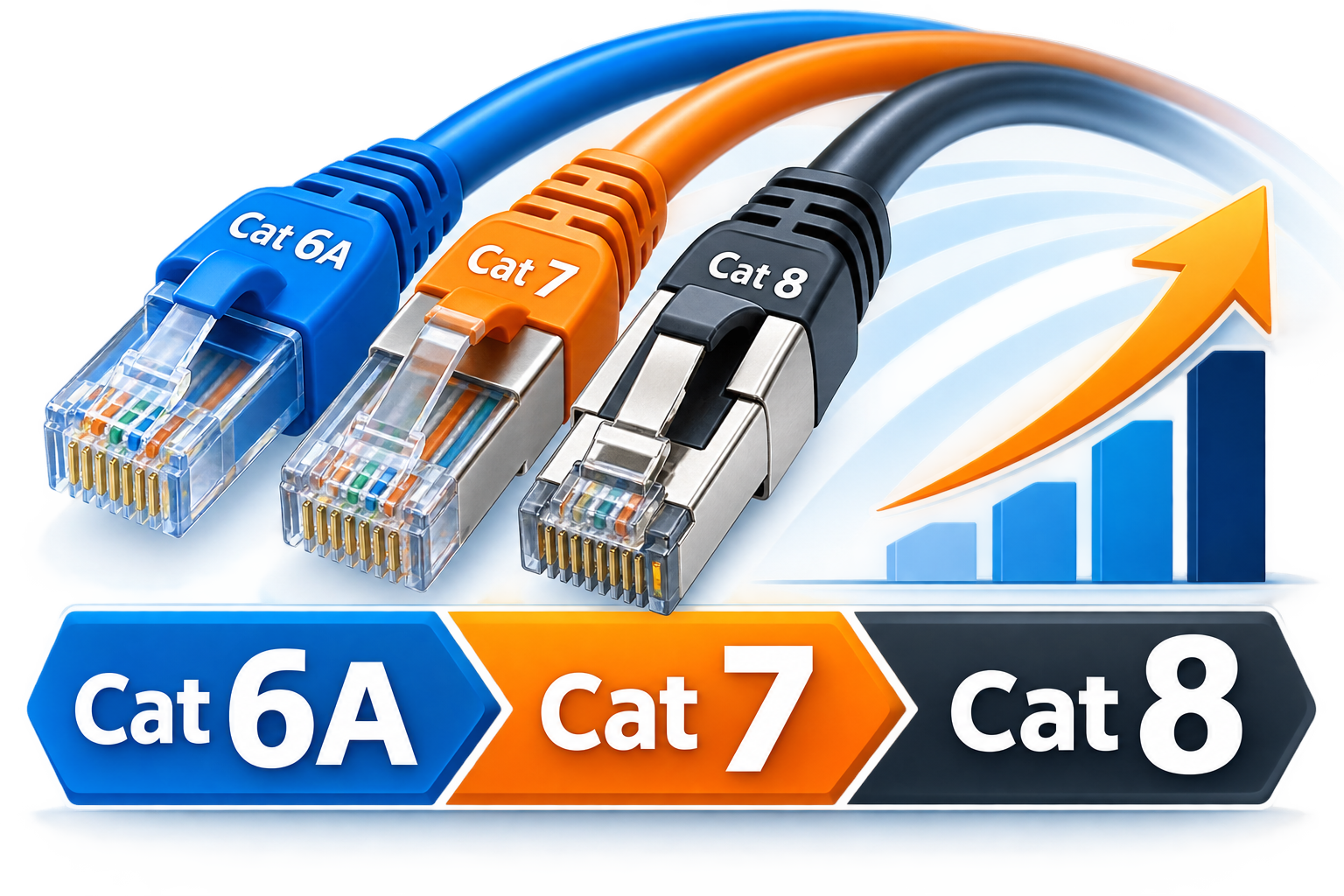
For standard office, building and corporate networks with speeds of up to 10 Gbit/s, Cat 6A is generally sufficient. Cat 7 offers additional transmission and shielding reserves and is frequently used for high-quality 10-Gigabit cabling. Cat 8.1 is the right choice for short RJ45 runs requiring a particularly high frequency margin, or for applications up to 25 or 40 Gbit/s.
Cat 6A vs. Cat 7 vs. Cat 8: a direct comparison
Category
Frequency
Typical data rate
Range
Connector system
Typical application
Cat 6A
up to 500 MHz
up to 10 Gbit/s
up to 100 m*
RJ45
Office, building, workplace, 10-gigabit LAN
Cat 7
standard up to 600 MHz**
typically up to 10 Gbit/s
up to 100 m*
Class F: GG45/TERA; RJ45 is commonly used for patch cables
High-quality building cabling, EMC-critical areas, 10-Gigabit LAN
Cat 8.1
up to 2000 MHz
up to 25/40 Gbit/s
up to 30 m with 25/40GBASE-T*
RJ45
Server, switch, rack, data centre, short high-speed links
** Individual Cat 7 cables may be tested or specified by the manufacturer for higher frequencies. This should be distinguished from the standardised Cat 7 or Class F category.
Which network cable is suitable for which application?
Workstations, offices and standard corporate LANs
10 Gigabit Ethernet via RJ45
Fixed network cabling within the building
Server room, rack or short high-speed connection
Cat 7 with RJ45 – why are Cat 6A connectors often used?
Cat 7 or Cat 8 – when is Cat 8 really worth it?
Don’t just look at the ‘Cat’ rating when choosing network cable
Which category should I buy?
Your requirements
Recommended choice
1-gigabit network
Cat 6A or higher
2.5 or 5 Gigabit Ethernet
Cat 6A or higher
10 Gigabit Ethernet via RJ45
Cat 6A or Cat 7 patch cables with suitable RJ45 components
New professional building cabling with spare capacity
Cat 7 installation cable with matching system components
Short, high-performance rack/server connection
Cat 8.1
25 or 40 gigabits over copper/RJ45
Cat 8.1 – please note the overall system and maximum cable length
Selecting the right LAN and Ethernet cables
Frequently asked questions about Cat 6A, Cat 7 and Cat 8
Which is better: Cat 6A or Cat 7?
Is Cat 7 better than Cat 8?
Do I need Cat 8 for 10 Gigabit?
Can I use a Cat 8.1 cable with a standard RJ45 connector?
Why does a Cat 7 patch cable have Cat 6A RJ45 connectors?
Which network cable is suitable for a server?
What does MHz mean in the context of a network cable?

B2B shop Retail, Trade & Industry
 German / Deutsch
  English
  French / Français
  Spanish / Español
  Dutch / Nederlands
  Italian / Italiano
  Polish / Polski
  Norwegian / Norsk
  Danish / Dansk
  Finnish / Suomi
  Swedish / Svenska
  Czech / Česky
  Greek / Ελληνικά
  Slovak / Slovenčina
  Slovenian / Slovenščina
  Estonian / Eesti
  Latvian / Latviešu
  Lithuanian / Lietuvių
  Hungarian / Magyar
  Romanian / Română
  Bulgarian / Български
  Portuguese / Português
MAG Network Guide
The short answer:
Important: A Cat 8 cable does not automatically make an existing network faster. The actual usable speed is always determined by the slowest component in the connection. If, for example, the router, switch and network card only support Gigabit Ethernet, the connection will remain at a maximum of 1 Gbit/s even with a Cat 8.1 cable.
Key point: The performance of a complete network link depends on more than just the marking on the cable. The crucial factor is the interaction between the cable, connectors, sockets, patch panels and active devices.