
 German / Deutsch
  English
  French / Français
  Spanish / Español
  Dutch / Nederlands
  Italian / Italiano
  Polish / Polski
  Norwegian / Norsk
  Danish / Dansk
  Finnish / Suomi
  Swedish / Svenska
  Czech / Česky
  Greek / Ελληνικά
  Slovak / Slovenčina
  Slovenian / Slovenščina
  Estonian / Eesti
  Latvian / Latviešu
  Lithuanian / Lietuvių
  Hungarian / Magyar
  Romanian / Română
  Bulgarian / Български
  Portuguese / Português
 USB-C cables and accessories
USB-C cables, adaptors and hubs for modern and classic applications
In this category, you’ll find DINIC USB-C solutions for the latest laptops, tablets, docking stations, monitors, external storage devices and professional peripherals – from USB-C 2.0 for older devices, small devices, charging, configuration and servicing, right through to USB-C 3.2 / 3.1 Gen 2 and USB4 / USB-C 4.0 for fast data transfer, charging and video output.
Find the right USB-C solution quickly
Note: USB-C 2.0 is particularly suitable for older devices, charging applications, configuration, servicing, small devices and simple data connections.


Using USB-C correctly: applications, performance and charging speed
USB-C is the modern connector standard for data transfer, charging, docking and video output. However, the key to making the right choice lies not only in the connector itself, but in the combination of cable standard, end device, power supply, docking station and intended application.
For maximum capacity for data transfer, monitor operation and Power Delivery, USB4 / USB-C 4.0 cables are the right choice. For many traditional peripheral, service and charging applications, however, USB-C with USB 2.0 or USB 3.2 / 3.1 Gen 2 may also be entirely sufficient.
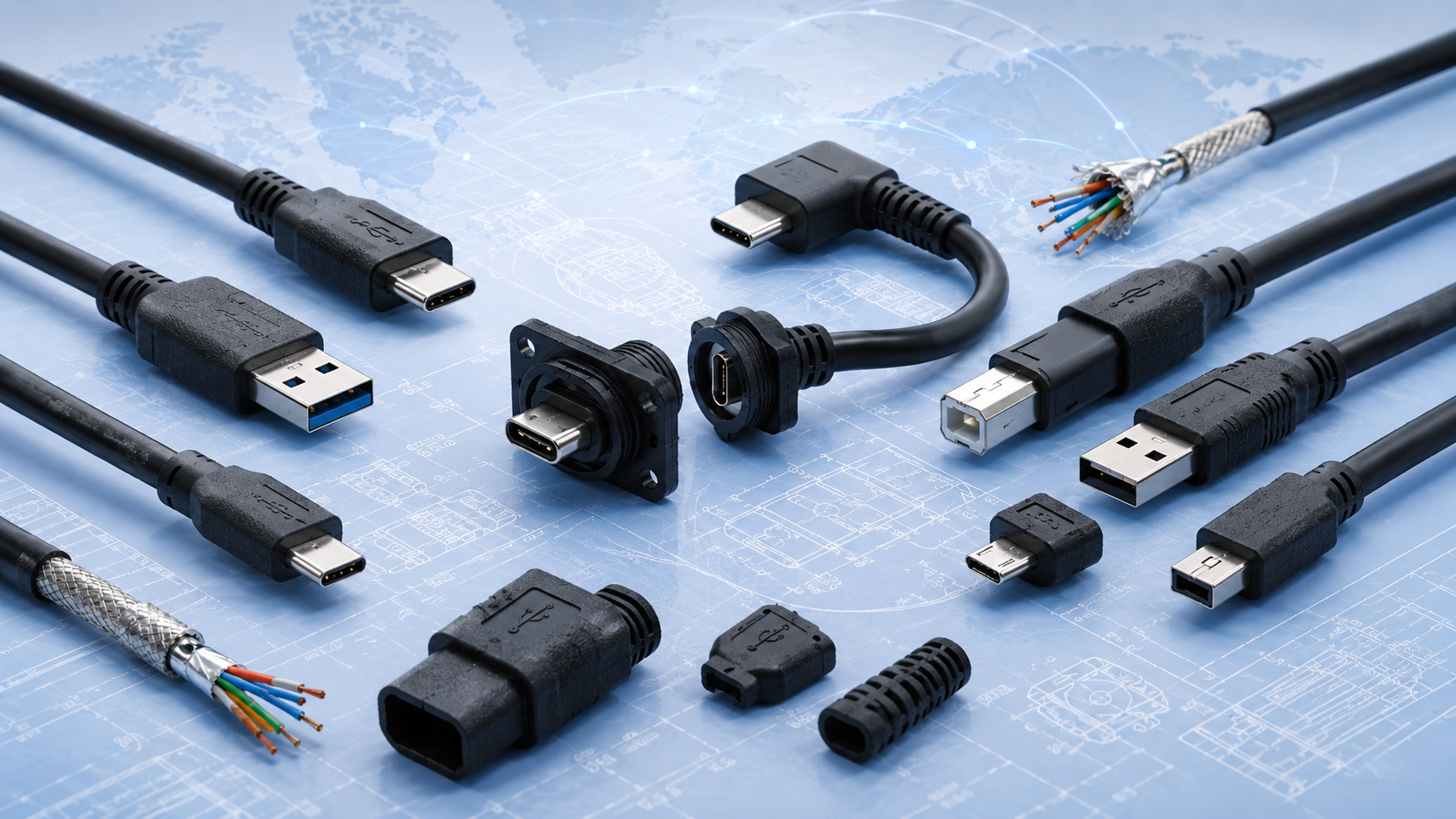 Project-specific solutions are also available
For OEMs, industry, retail or device series, USB and USB-C cables can also be assessed for bespoke manufacturing.
View custom USB cablesOffice applications
Connect your laptop, docking station, monitor, mouse, keyboard, headset, external SSD and charger neatly together.
Service & Technology
Connection cables for test equipment, measurement systems, external storage devices, firmware updates and mobile technician kits.
Monitor & Presentation
USB-C to HDMI, DisplayPort or VGA for conference rooms, projectors, training stations and digital signage set-ups.
OEM & Projects
Standard products as a basis or bespoke USB-C cables to specification for device integration, mass production and retail.
Performance: which USB-C standard is right for you?
USB4 / USB-C 4.0
For fast external SSDs, modern docks, monitors, high-power charging and the latest laptop set-ups.
View USB4 / USB-C 4.0 cables →USB-C 3.2 / 3.1 Gen 2
Suitable for fast data transfer, external storage devices, scanners, docks and professional peripherals.
View USB-C to USB-C cables →USB 2.0
Sufficient for many older devices, small devices, charging, data transfer, configuration, servicing and similar applications.
View USB-C to Micro-B 2.0 →Charging speed: the cable, power supply and device must be compatible
A high wattage rating on the cable does not automatically mean that every device will charge at that power level. The actual charging speed is always determined by the interaction between the power adaptor, the cable and the device. If a device only supports a lower power rating, only that power rating will be utilised.
For modern USB4 set-ups comprising a laptop, dock, monitor and high-speed peripherals, appropriately specified USB-C to USB-C cables are the safest choice.
When is USB 2.0 sufficient?
USB 2.0 remains a sensible option if no large amounts of data are being transferred and no modern monitor, docking station or high-speed storage applications are planned. For older devices, small devices, simple interfaces, service cables, configurations, firmware updates or existing devices with a Micro-B connector, USB 2.0 is often the most cost-effective solution.
However, as soon as external SSDs, large amounts of data, video output, docking stations or high charging power come into play, USB-C 3.2 / 3.1 Gen 2 or USB4 / USB-C 4.0 should be chosen instead.
Relevant USB 2.0 categories
USB-C to Micro-B 2.0 cables → USB 2.0 A-to-B connection cables → Compare Thunderbolt and USB4 →FAQ on USB-C, USB4, performance and charging
Is USB-C automatically USB4?
No. USB-C simply describes the connector shape. Whether data transfer rates, video output or high-power charging are possible depends on the cable, the port and the device.
When is USB4 / USB-C 4.0 worth it?
USB4 / USB-C 4.0 is worth it for modern laptops, fast storage devices, docking stations, monitors and set-ups where data transfer, charging and video output are all intended to run via a single connection.
Why does a device charge slowly despite having a high-performance cable?
The charging power is coordinated between the power supply, the cable and the device. If the power supply or the device does not support the higher power output, the device will charge more slowly as a result.
Is USB 2.0 sufficient for older devices, small devices or certain set-ups?
In many cases, yes. For devices handling small amounts of data, simple synchronisation, maintenance, charging or standard peripherals, USB 2.0 is often sufficient and makes economic sense.
Are custom lengths or special USB-C versions available?
For project and production requirements, MAG can investigate the possibility of custom-made USB and USB-C cables, for example with specific lengths, colours, connector types, packaging or labelling.