
 German / Deutsch
  English
  French / Français
  Spanish / Español
  Dutch / Nederlands
  Italian / Italiano
  Polish / Polski
  Norwegian / Norsk
  Danish / Dansk
  Finnish / Suomi
  Swedish / Svenska
  Czech / Česky
  Greek / Ελληνικά
  Slovak / Slovenčina
  Slovenian / Slovenščina
  Estonian / Eesti
  Latvian / Latviešu
  Lithuanian / Lietuvių
  Hungarian / Magyar
  Romanian / Română
  Bulgarian / Български
  Portuguese / Português
 -
You do not have any products in your shopping cart yet.
FireWire cables – IEEE 1394a and 1394b
DINIC · For retail, commerce and industry
Connect existing FireWire devices to the appropriate interface on a computer, workstation or peripheral. DINIC FireWire cables are suitable for compatible DV/HDV camcorders, audio interfaces and external drives – for servicing, media archives and replacement requirements in existing systems.
Select based on the connector type on both devices, the required length and the power supply. Also check for compatibility with your operating system and device software, as well as the delivery information for the relevant item.
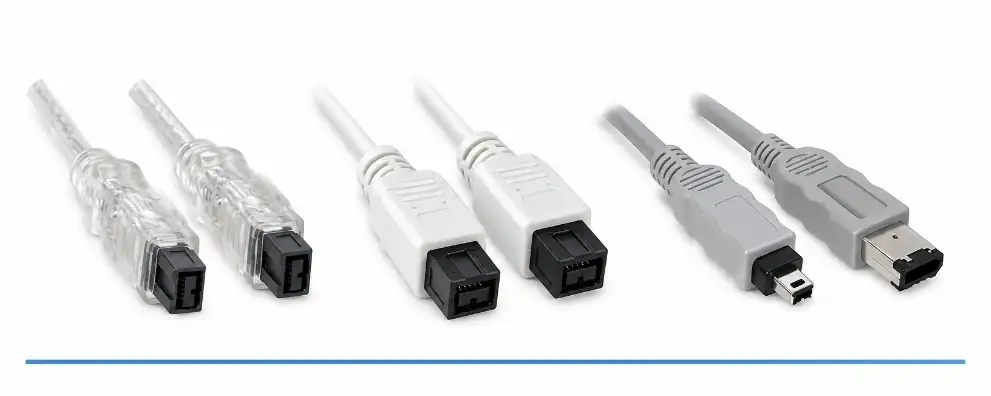
FireWire cables for IEEE 1394a and IEEE 1394b

1 to 5 (from a total of 5)
Which FireWire cable is suitable for your devices?
FireWire refers to the IEEE 1394 serial interface, also known as i.LINK. When choosing a cable, the actual device sockets are what matter: the 4-pin, 6-pin and 9-pin versions differ mechanically and in terms of the power supply they can provide.
Comparison of connectors and types
| Connector combination | Standard and variant | Typical application |
|---|---|---|
| 6-pin to 4-pin | FireWire 400 / IEEE 1394a; 1 m, white or grey. | Connects a 6-pin FireWire port to a 4-pin connector, for example on a DV camcorder. Separate power supply required. |
| 6-pin to 6-pin | FireWire 400 / IEEE 1394a; 10 m, silver-transparent, double-shielded. | Connect to existing devices with 6-pin sockets. Check suitability for longer distances in the specific setup. |
| 9-pin to 9-pin | FireWire 800 / IEEE 1394b; 2 m, white or silver-transparent. | Connect compatible FireWire 800 devices such as external drives, audio/video peripherals or workstations. |
What is the difference between FireWire 400 and FireWire 800?
FireWire 400 refers to a speed class of up to 400 Mbit/s and, in the case of the IEEE 1394a cables offered here, uses 4- or 6-pin connectors. FireWire 800 supports speeds of up to 800 Mbit/s; the IEEE-1394b cables on offer feature 9-pin connectors at both ends.
The actual data rate achievable depends on the controller, the end device and the connection. To connect a FireWire 800 device to a FireWire 400 device, you need a suitable combination of connectors and compatible interfaces. Such a connection will operate at no more than the speed supported by the FireWire 400 device.
Does a 4-pin FireWire cable also supply power?
The 4-pin FireWire connector does not supply power. A connected camcorder or other device therefore requires a suitable battery or its intended mains adaptor. Even a 6-to-4-pin adapter cable does not provide power at the 4-pin end.
In contrast, 6-pin and 9-pin connections can provide power via the FireWire bus. Whether power is available, and at what level, depends on the port or expansion card and the connected device.
Which cable is suitable for transferring DV or HDV recordings?
First, check the connection on the camcorder – labelled DV, i.LINK or IEEE 1394 – and the socket on the computer. For a 4-pin camcorder connector and a 6-pin FireWire port, the 6-to-4-pin adapter is suitable. You will also need a functioning FireWire interface, the appropriate drivers and import software that supports the device and recording format.
When transferring data from older media collections, you should check that the connection is complete before use. The cable establishes the electrical connection; the hardware and software are responsible for recognising the device and processing the recordings.
Can I connect FireWire directly to USB or USB-C?
A passive USB-to-FireWire cable cannot convert between the different data transfer protocols. For FireWire peripherals, you will need a suitable FireWire controller. If your computer does not have this interface, you will require an extension cable or adapter that is compatible with your computer, operating system and peripheral device.
Even a USB-C port on its own does not indicate whether a Thunderbolt connection is possible. When planning a chain of adaptors, check all the components involved and their manufacturers’ specifications.
Understanding modern computer ports If you’re upgrading your workstation, our comparison will help you understand USB-C, USB4 and Thunderbolt. This will enable you to check the requirements of new devices and existing peripherals in a targeted manner. Compare Thunderbolt and USB4 →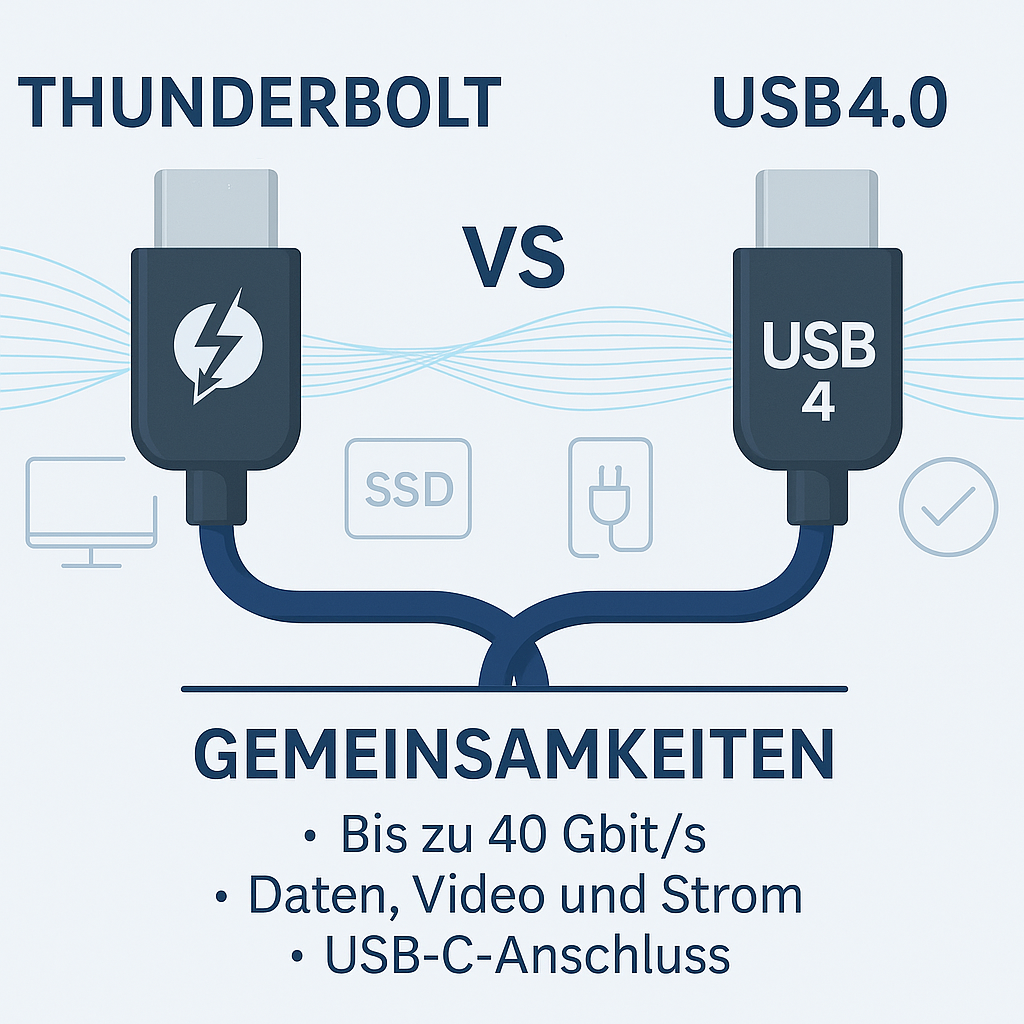
Choose the cable length and shielding for your setup
Plan the cable route so that there is no strain on the connector and sufficient space for cable routing. This range also includes a 10-metre version with 6-pin connectors. Ensure that longer connections comply with the specifications of the devices being used and check the data transmission in the intended setup.
Double shielding is specified for the transparent 9-pin 2-metre cable and the transparent 6-pin 10-metre cable. It reduces external interference; the effective range and data rate continue to depend on the entire connection.
Packaging and replacement requirements in specialist shops
Depending on the item, FireWire cables are available in bulk packaging, DINIC polybags or DINIC blister packs. Choose the packaging that suits either direct use in a service environment or product display. Our overview of packaging types provides further details.
Planning replacement requirements: Items marked as End-of-Life (EOL) are discontinued models. The current delivery information for the item is decisive. For recurring requirements, check the required version and quantity well in advance.
Complementary USB accessories for service and retail
You’ll also find charging accessories and product display solutions for smartphones, tablets and other USB devices in your business.
USB charging adaptors for your mobile devices Supplement your service points and accessory ranges with USB power adaptors. Choose USB-A or USB-C outputs and a charging power output suitable for the respective smartphone, tablet or other compatible USB device. View USB charging adapters →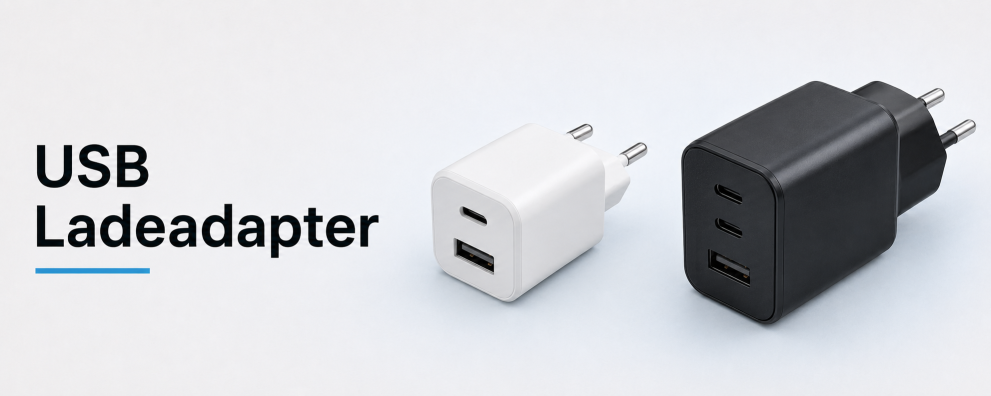 DINIC counter displays for your range of accessories Showcase a selection of USB cables and charging accessories in a compact way on the counter or at the till. Choose a display with a configuration that suits your sales area and your customers. View counter displays →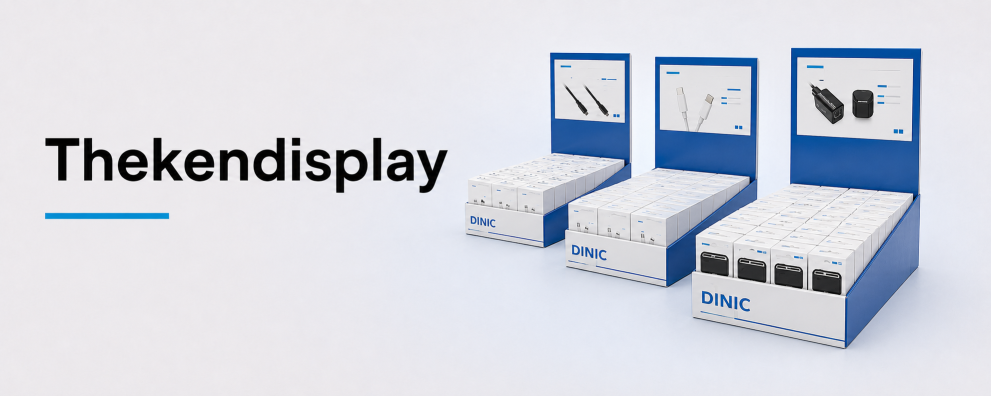
DINIC FireWire cables for your commercial procurement
DINIC is a brand of MAG GmbH. We assist specialist retailers, system integrators and commercial users in selecting cables for existing devices. Please let us know the device models, the connector types at both ends, the required cable length and the quantity required.
Request advice on FireWire cables