
 German / Deutsch
  English
  French / Français
  Spanish / Español
  Dutch / Nederlands
  Italian / Italiano
  Polish / Polski
  Norwegian / Norsk
  Danish / Dansk
  Finnish / Suomi
  Swedish / Svenska
  Czech / Česky
  Greek / Ελληνικά
  Slovak / Slovenčina
  Slovenian / Slovenščina
  Estonian / Eesti
  Latvian / Latviešu
  Lithuanian / Lietuvių
  Hungarian / Magyar
  Romanian / Română
  Bulgarian / Български
  Portuguese / Português
 -
You do not have any products in your shopping cart yet.
USB4 cable: USB-C to USB-C by DINIC
DINIC · For retail, commerce and industry
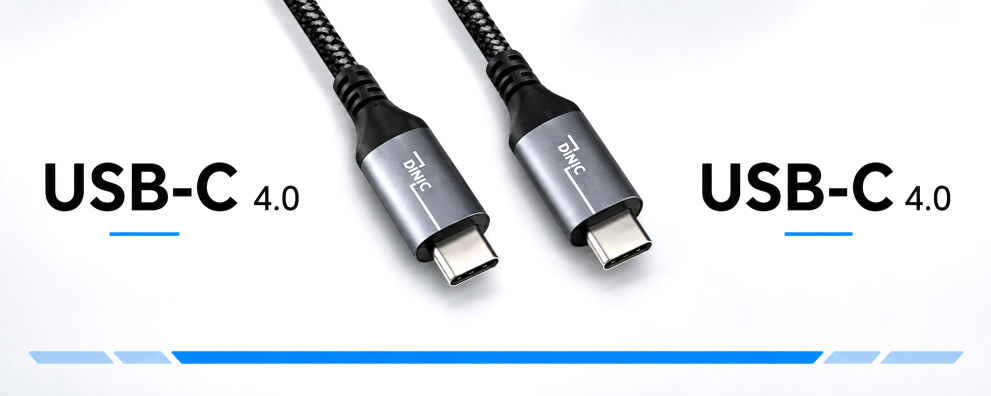
Connect compatible laptops, docking stations, monitors and external SSD enclosures using DINIC USB4 cables (USB-C to USB-C). The USB-C 4.0 versions offered here support high-speed data transfer as well as video and power delivery for appropriately equipped devices.
Choose the cable length and connector type to suit your setup. The usable data rate, charging power and video output depend on the specific cable and the capabilities of all connected devices.
USB4 cables with speeds of up to 40 Gbit/s and 240 W Power Delivery

1 to 10 (from a total of 10)
Choosing USB-C 4.0: Cables for docks, monitors and high-speed storage
USB4 cables are suitable for workstations where large volumes of data, video signals and power are transmitted via USB-C. The entire connection is crucial: the computer, docking station, end device and cable must all support the required functions. For system integrators, IT service providers and commercial procurement, clearly defined models simplify selection and spare parts planning.
What variants and lengths are available?
| Variant | Connectors | Lengths | Selection guide |
|---|---|---|---|
| White · TPE sheath | USB-C to USB-C, straight | 0.5 m · 1 m · 1.5 m | Light-coloured cabling; E-Mark chip and 5.2 mm cable diameter. |
| HQ · Black/Silver | USB-C plug to USB-C plug, straight | 0.5 m · 1 m · 1.5 m | Aluminium connector housing and braided sheath for the workplace and servicing. |
| HQ · 90° angle | Straight USB-C plug to angled USB-C plug | 0.5 m · 1 m | Side cable routing for use where space at the device connection is limited. |
| HQ · Extension | USB-C plug to USB-C socket | 0.5 m · 1 m | Additional reach; check that the entire cable run is functioning correctly. |
When can you achieve a data rate of 40 Gbit/s?
The DINIC USB4 cables offered here are designed for up to 40 Gbit/s. To achieve this connection speed, you need compatible USB4 ports and a sufficiently powerful end device. A USB-C socket on its own does not indicate the supported data rate.
In practice: 40 Gbit/s is the maximum data rate of the connection, not a guaranteed copy speed. External SSDs, enclosure electronics and the computer all influence throughput. With USB4, data and video transmission can share the available bandwidth.
What do 240 W Power Delivery and EPR mean?
Extended Power Range (EPR) extends USB Power Delivery to higher power levels and was introduced with USB PD 3.1. Up to 240 W corresponds to 48 V at 5 A. For this to work, the power supply, device and cable must be rated for the relevant EPR power profile.
An E-marker transmits information about the cable’s capabilities to the connected devices. The actual charging power used is negotiated between the power source and the end device. A 240 W cable does not increase the output power of an existing power supply; it can also be used for compatible devices with lower power requirements.
Are the cables suitable for monitors and 8K resolution?
The USB4 connection can transmit video signals provided that the computer, monitor or dock supports the required video functions. For HQ products labelled as such, video up to 8K at 60 Hz is specified. The resolution and refresh rate actually achievable depend, amongst other things, on the graphics hardware, video transmission mode, dock and display.
If you have a workstation with multiple monitors, check the supported display configuration of the dock and computer. A cable’s 8K specification does not constitute a blanket guarantee for every combination or for multiple displays simultaneously.
What should you bear in mind with 90° plugs and extension cables?
A 90° angled plug routes the cable away from the socket at a right angle. Compare the product image with the installation situation and take into account neighbouring sockets and device cases. Choose a length that ensures the cable lies flat against the sockets without any tension.
A USB-C extension cable features a socket designed to accommodate the existing cable plug. When selecting one, consider the total length, the connected cable and the required functions. Check data transfer, video output and charging when the system is fully set up; the extension’s individual specifications do not guarantee the performance of every cable combination. For fixed workstations, a direct connection cable of a suitable length is recommended.
USB4, Thunderbolt or another USB-C cable?
Selected HQ products are described as Thunderbolt 4-compatible. Please note the specifications of the respective cable as well as the requirements of the computer and peripherals. When planning a workstation with a dock, monitor and external storage, it is helpful to look at the differences between the interfaces.
Thunderbolt or USB4: Which connection is right for you? Compare data rates, monitor support and Power Delivery. Our guide explains the differences between Thunderbolt and USB4 and shows what you should look out for when choosing cables, docks and end devices. View the Thunderbolt vs USB4 comparison →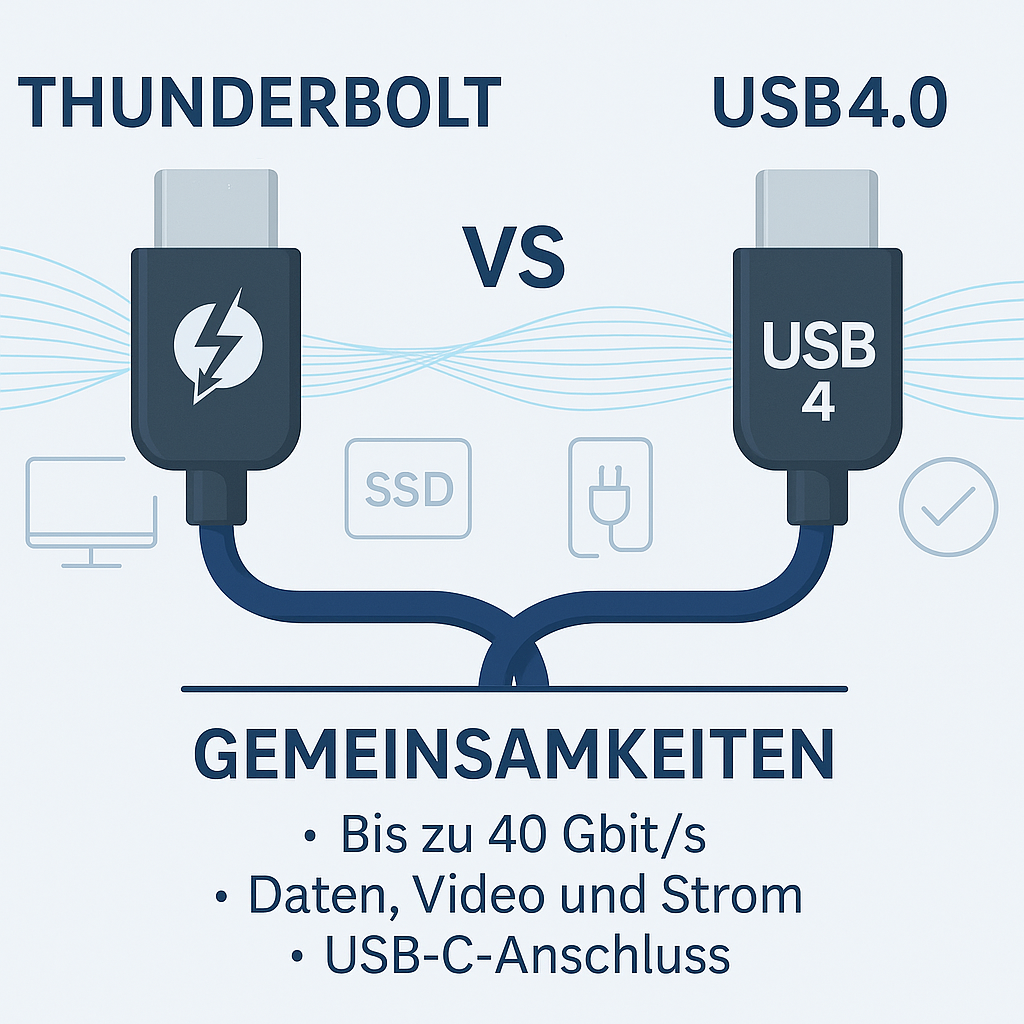
For applications with lower data rate or charging power requirements, you’ll find further options under USB-C to USB-C charging and data cables.
Accessories and product display for specialist retailers
The cables are supplied in DINIC boxes, whilst the HQ versions come in retail packaging with Euro-holes. Further information is available in the overview of our packaging types. Supplement your selection with charging accessories or displays for the sales area:
USB charging adaptors compatible with the end device Choose a power supply unit with a USB-C output and the required charging profile. The power rating of the port used is decisive; for EPR applications, the power supply unit must explicitly support EPR. View USB charging adapters →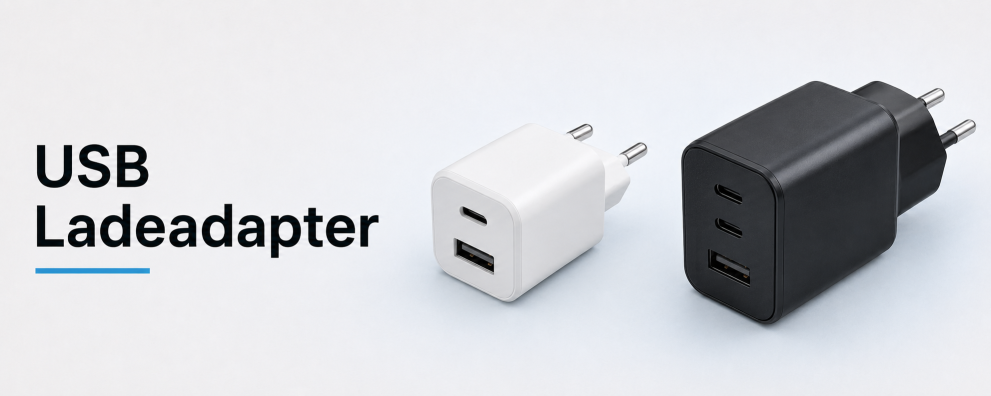 DINIC counter displays for your range of accessories Display selected USB-C cables and charging accessories clearly on the counter or at the till. Choose a display solution to suit your sales area and customer base. View counter displays →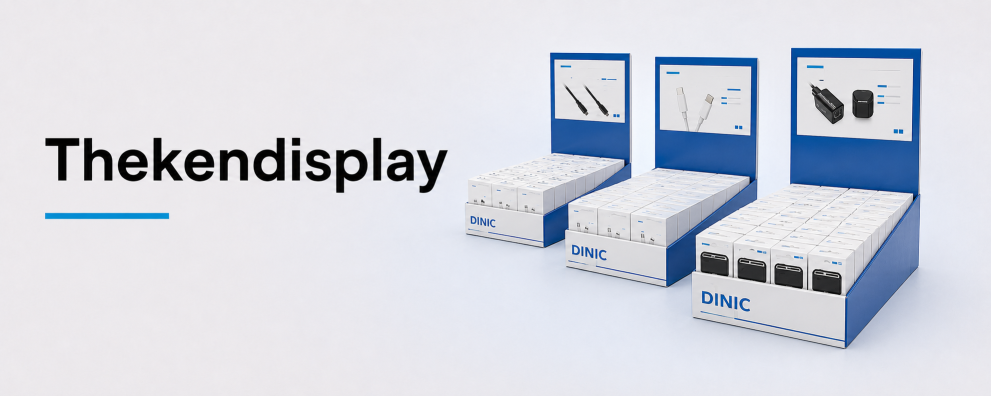
DINIC USB4 cables for your commercial procurement
DINIC is a brand of MAG GmbH. Are you planning docking workstations, do you need service cables, or are you looking to expand your retail range? Let us know the devices, desired data rate and charging power, video requirements, connector type, length and quantity. We’ll help you make the right choice.
Request advice on USB4 cables