
 German / Deutsch
  English
  French / Français
  Spanish / Español
  Dutch / Nederlands
  Italian / Italiano
  Polish / Polski
  Norwegian / Norsk
  Danish / Dansk
  Finnish / Suomi
  Swedish / Svenska
  Czech / Česky
  Greek / Ελληνικά
  Slovak / Slovenčina
  Slovenian / Slovenščina
  Estonian / Eesti
  Latvian / Latviešu
  Lithuanian / Lietuvių
  Hungarian / Magyar
  Romanian / Română
  Bulgarian / Български
  Portuguese / Português
 -
You do not have any products in your shopping cart yet.
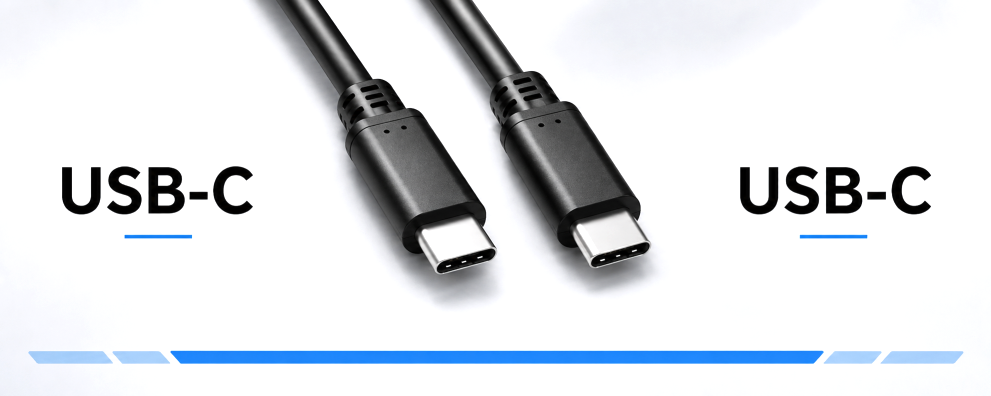
USB-C to C cable from DINIC
DINIC · For retail, trade and industry
With DINIC USB-C to USB-C cables, you can connect
smartphones, tablets, laptops and compatible USB-C peripherals.
Choose the right model for charging stations, the
synchronisation of mobile devices or fast data connections
to external SSDs and docking stations.
Key factors include charging power, data transfer rate, cable length
and, where applicable, video support. Ensure that you match these features to your devices. You will find the relevant functions and packaging details in the product specifications.
USB-C to USB-C cables for charging and data transfer

31 to 58 (from a total of 58)
Which USB-C to USB-C cable is right for your application?
USB-C refers to the connector type. The data rate, charging power and video transmission supported by a connection depend on the cable and the connected devices. When purchasing, it is therefore worth first determining the intended use: charging mobile devices, transferring data or connecting a workstation to a dock and monitor.
A comparison of charging cables and high-speed data cables
| Cable type | Data rate | Charging power | Suitable for |
|---|---|---|---|
| USB-C charging and data cables with USB 2.0 | Up to 480 Mbit/s | Up to 60 W | Charging of compatible mobile devices and laptops, as well as synchronisation and device configuration. |
| USB-C data and charging cables with USB 3.2 | Up to 20 Gbit/s | Up to 100 W | High-speed external storage, data connections to docks and USB-PD charging for high-performance devices. |
When choosing: USB 2.0 models, also known as charging cables, can transfer data. However, a high wattage does not indicate the data transfer rate or video support. The technical specifications of the specific product are decisive.
When do you need 60 W and when do you need 100 W?
Base your choice of cable on your device’s power requirements. A cable rated for 60 W is suitable for compatible smartphones, tablets and USB-C laptops with corresponding charging requirements. For higher requirements, 100 W cables with up to 20 V and 5 A are available.
The actual charging power used is agreed between the power supply and the end device via the supported charging protocol. For USB Power Delivery, both devices must support the appropriate power profiles and the cable must be rated accordingly. A 100 W cable therefore only supplies a smartphone with the power requested by the device.
What is required for data transfer at 20 Gbit/s?
For speeds of up to 20 Gbit/s via USB 3.2 Gen 2x2, in addition to a suitable cable, you’ll need a computer port with the appropriate specifications and a compatible device. If one of the ports involved supports a lower data rate, the connection will operate at the data rate supported by both devices. The actual copy speed also depends on the drive, its controller and the files being transferred.
For applications that explicitly require USB4, you’ll find further details in the USB-C to USB-C USB4 cables category.
Can any USB-C cable connect to a monitor or a docking station?
To transmit video via DisplayPort Alt Mode, you need a cable suitable for this purpose, as well as compatible ports on the computer and the monitor or docking station. Selected USB 3.2 cables in this category explicitly state that they support this function. A USB 2.0 charging cable is not suitable for connecting a monitor via DisplayPort Alt Mode.
For docking stations, check the requirements for data rate, video transmission and charging power together. The supported resolution and refresh rate depend on the connection as a whole and the specifications of the devices involved.
What length and connector type are best?
Short cables are suitable for devices situated close together; longer versions provide more flexibility at the workstation. Plan the cable route with a small margin to avoid any strain on the sockets. With 90° connectors, you should check the direction of the cable exit and the space next to the socket – particularly where protective covers are fitted or sockets are closely spaced.
HQ versions with aluminium plug housings and a braided nylon sheath complement the standard variants. A USB 3.2 HQ set with lengths of 0.5 m, 1 m and 2 m is also available for use in different locations.
Packaging for service, project business and specialist retailers
Depending on the item, the cables are supplied in a DINIC polybag, a DINIC box with Euro-holes or a promotional carton. Choose the packaging that best suits your stock management, equipment requirements or product presentation. For information on the differences, see our overview of packaging types.
Matching USB charging adaptors Combine your USB-C cable with a power adaptor featuring a USB-C output. Check the required power output for each port and the charging profiles supported by your device. View USB charging adapters →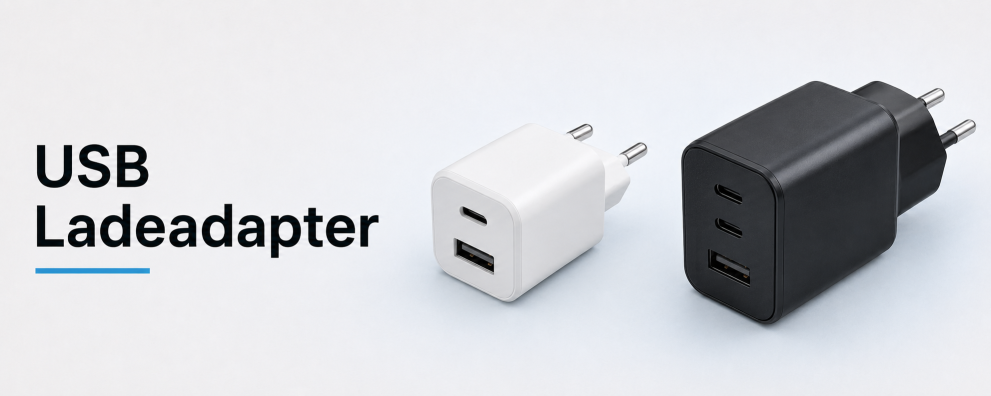 DINIC counter displays for USB-C accessories Showcase selected cables and charging accessories at the counter or till. These display solutions facilitate a clear presentation of goods and complement your range of accessories in specialist retail outlets. View counter displays →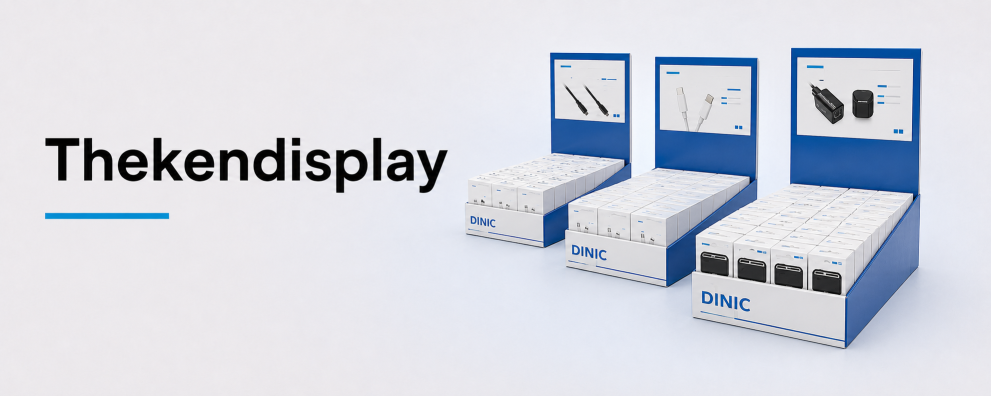
USB-C cables for your commercial procurement
DINIC is MAG GmbH’s brand for cables, adaptors and accessories. Are you planning to equip a workstation, do you need replacement cables for servicing, or would you like to expand your retail range? Please let us know the charging power, data rate, any video requirements, length and quantity. We’ll help you make the right choice.
Request advice on USB-C to USB-C cables