
 German / Deutsch
  English
  French / Français
  Spanish / Español
  Dutch / Nederlands
  Italian / Italiano
  Polish / Polski
  Norwegian / Norsk
  Danish / Dansk
  Finnish / Suomi
  Swedish / Svenska
  Czech / Česky
  Greek / Ελληνικά
  Slovak / Slovenčina
  Slovenian / Slovenščina
  Estonian / Eesti
  Latvian / Latviešu
  Lithuanian / Lietuvių
  Hungarian / Magyar
  Romanian / Română
  Bulgarian / Български
  Portuguese / Português
 -
You do not have any products in your shopping cart yet.
USB-C to USB-A cable from DINIC
DINIC · For retail, trade and industry
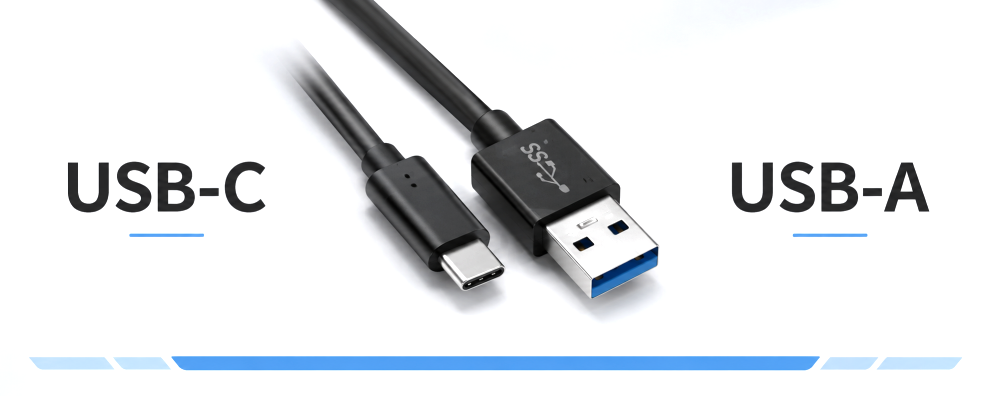
Connect smartphones, tablets and compatible USB-C peripherals to the USB-A port on a PC, laptop, hub or charger. DINIC USB-C to USB-A cables complement existing equipment – for the workplace, IT services and resale.
Choose according to data rate, charging requirements and cable length. The range also includes nylon cables with aluminium connector housings and a version with a lockable USB-C connector. The technical specifications apply to the selected model in each case.
USB-C to USB-A cable for charging and data transfer

31 to 38 (from a total of 38)
Which USB-C to USB-A cable is right for your needs?
A USB-C connector primarily refers to the shape of the connector. How quickly a cable transfers data and what current it supports depends on its specific model. You should therefore check the connectors, the required data rate and the charging requirements of your devices before placing an order.
| Application | Suitable variant | What to look out for |
|---|---|---|
| Charging and everyday data transfer | USB 2.0 charging and data cable, up to 480 Mbit/s | Check the charging specifications of the cable, power adaptor and device. |
| Larger files and external storage | USB data cable with speeds of up to 5 Gbit/s | The USB port and device must also support this data rate. |
| Mechanically secured connection | Model with screw-lock mechanism on the USB-C plug | A suitable mounting option on the device is required. |
| Resale and product display | Retail box with Euro-holes or promotional packaging | Choose packaging suitable for shelves, hooks or counter areas. |
USB 2.0 or 5 Gbit/s: What data rate do you need?
For synchronisation, configuration and many USB peripherals, a USB 2.0 cable with up to 480 Mbit/s is sufficient. If you regularly transfer large amounts of data, for example to a compatible external SSD, choose a version with up to 5 Gbit/s. The actual transfer speed also depends on the computer, the connected device and, where applicable, any hubs in the chain.
The designations USB 3.0, USB 3.1 Gen 1 and USB 3.2 Gen 1 refer to the 5 Gbit/s speed class. The key factor is the data rate specified for the product: a USB-C port alone does not indicate the speed.
What do the charging specifications mean for USB-A to USB-C?
Specifications such as 5 V / 3 A describe the charging parameters stated for the respective cable. Whether these are actually achieved in use also depends on the USB-A power supply, the charging port and the connected device. A cable does not increase the output power of an existing USB port.
Important to note when choosing: data transfer rate and charging capability are different characteristics. A 5 Gbit/s cable does not automatically charge faster than a USB 2.0 cable. Similarly, the specification ‘3 A’ on its own is no guarantee of USB Power Delivery or a specific fast-charging method.
USB charging adapters to match the cable Complement your USB-A to USB-C cable with a charger featuring a USB-A output. Choose connectors and charging power to suit your device and the specifications of the relevant product. View USB charging adapters →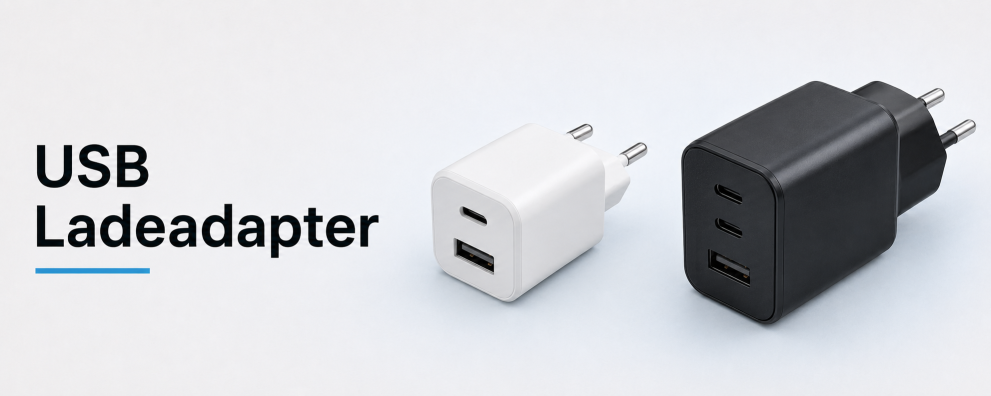
Selecting the right cable length, sheath and locking mechanism
Choose a length that allows the cable to be routed without putting strain on the plug and without creating any unnecessary excess cable. Short cables are suitable for devices located directly at your workstation; longer versions bridge the distance to ports further away. Always check the data rate and charging specifications for the selected length.
For frequently used accessories, models with nylon sheathing and aluminium plug housings are also worth considering. If the USB-C connector needs to be mechanically secured, this category offers a version with a screw lock. For this, the device housing must support the corresponding mounting.
Which packaging is suitable for your business?
The DINIC polybag is suitable for storage, dispatch and distribution in project-based business. The retail box with Euro-hole is designed for shelf and hook display in specialist shops. Promotional packaging and selected counter displays complete the range for over-the-counter sales. Further details can be found in our overview of packaging types.
DINIC counter displays for resale Present charging cables and selected ranges of accessories in a compact manner at the counter, service desk or till. Choose the counter display with the appropriate contents for your sales area. View DINIC counter displays →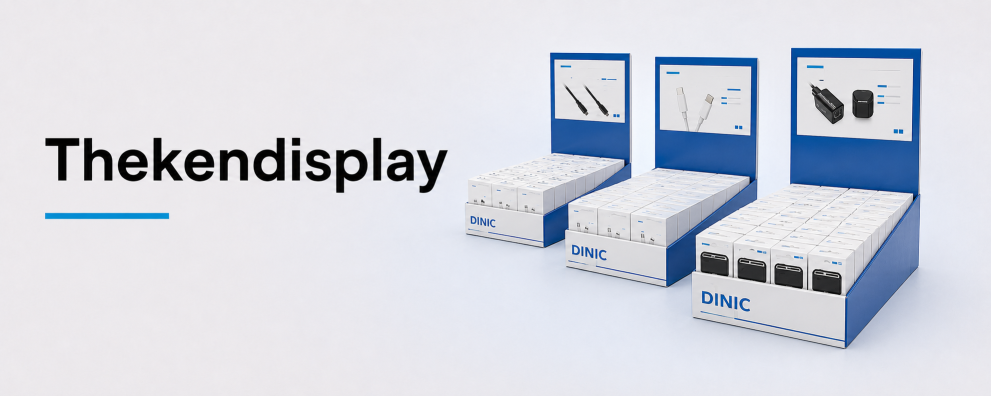
Are USB-A to USB-C and USB-C to USB-A the same thing?
For the connection cables offered here, both terms refer to the same connector combination: a USB-A plug and a USB-C plug. Typically, a USB-C device is connected to a computer or charger via a USB-A port. If you have two USB-C sockets, you’ll need a suitable USB-C to USB-C cable instead.
DINIC USB cables for commercial procurement
DINIC is a brand of MAG GmbH. Our B2B range is aimed at retailers, businesses and industry. Are you planning to equip a workplace, do you need cables for IT support, or would you like to expand your range of accessories? Just let us know the device type, connector, cable length and quantity – we’ll help you make the right choice.
Request advice on USB-C to USB-A cables