
 German / Deutsch
  English
  French / Français
  Spanish / Español
  Dutch / Nederlands
  Italian / Italiano
  Polish / Polski
  Norwegian / Norsk
  Danish / Dansk
  Finnish / Suomi
  Swedish / Svenska
  Czech / Česky
  Greek / Ελληνικά
  Slovak / Slovenčina
  Slovenian / Slovenščina
  Estonian / Eesti
  Latvian / Latviešu
  Lithuanian / Lietuvių
  Hungarian / Magyar
  Romanian / Română
  Bulgarian / Български
  Portuguese / Português
 USB-C adaptors and hubs from DINIC
DINIC · For retail, business and industry Add the necessary ports to your existing devices. DINIC USB-C adapters, USB hubs and multi-adapters connect laptops, tablets and compatible smartphones to USB accessories, wired networks, audio devices or displays – ideal for the workplace, IT support and mobile use. Choose based on plug and socket type, required functions and device compatibility. Data transfer, monitor operation and charging are different features. Please check the specifications of the relevant adapter and your end device.USB-C adaptors and hubs for peripherals, networks and monitors
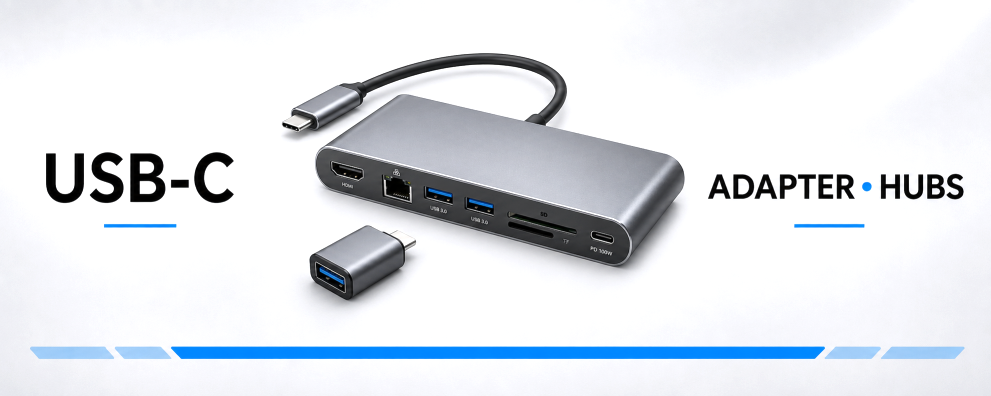

Which USB-C adapter or hub suits your needs?
A single adapter provides a specific connection. A USB hub offers multiple USB ports. A multi-adapter combines USB, video, network, audio or card reader functions, depending on the model. When choosing, it’s important to consider which devices you’ll be connecting at the same time and what functions you’ll need.
A comparison of adapter types and their uses
| Type | Typical use | What to look out for |
|---|---|---|
| USB-C plug to USB-A socket | Use a USB stick, mouse, keyboard or USB-A cable with a USB-C device. | USB host/OTG support and required data rate. |
| USB-A plug to USB-C socket | Connect compatible USB-C data cables or peripherals to existing USB-A ports. | Functions of the USB-A port and the connected device. |
| USB-C to Micro-USB adapter | Continue to use suitable existing cables for charging and synchronisation. | Correct combination of plug and socket; USB 2.0 application. |
| USB-C to RJ45 | Connect a laptop or compatible tablet via Ethernet. | Gigabit LAN at 10/100/1000 Mbit/s; compatible network infrastructure. |
| USB-C to 3.5 mm audio | Connect headphones, speakers or a compatible headset. | Digital audio adapter with chipset; USB audio support on the end device. |
| USB-C to HDMI, DP or VGA | Connect a monitor, television or projector. | Video output from the USB-C port, as well as resolution and refresh rate. |
| USB hub or multi-adapter | Connect multiple devices at your workstation. | Port configuration, shared data connection and, where applicable, a PD charging input. |
Distinguish between connector type and function: a USB-A-to-USB-C adapter does not turn a USB-A port into a USB4 or Thunderbolt port. Nor does it retrofit DisplayPort Alt Mode or USB-C Power Delivery. The capabilities of the port, the adapter and the end device remain crucial.
What does OTG mean in the context of USB-C adaptors?
OTG stands for On-The-Go. A compatible smartphone or tablet can act as a USB host to connect, for example, a USB stick or a keyboard. This requires the device to support this feature. You should also bear in mind the power requirements of the peripherals and, in the case of storage media, the file systems supported by the operating system. Short OTG adapter cables measuring 0.20 m complement the compact plug-in adapters.
What data transfer rate does a USB-C hub offer?
Compatible USB 3.0/USB 3.2 Gen 1 models support up to 5 Gbit/s. The actual transfer rate depends on the computer, adapter, cable and peripheral devices. Multiple active devices connected to a hub share its connection to the computer. Four USB ports therefore do not mean four times the total bandwidth.
For Gigabit LAN adaptors, the Ethernet connection speeds are 10/100/1000 Mbit/s. The achievable network throughput also depends on the switch, the network cable and the remote end.
Can any USB-C hub drive a monitor?
To connect a monitor, you need an adapter with the appropriate video output and a USB-C source port supporting DisplayPort Alt Mode. A USB data hub alone does not provide video output. Depending on the model, the HDMI and DisplayPort solutions on offer support up to 4K at 60 Hz; VGA versions support up to Full HD at 60 Hz.
Compare the requirements of your computer, adapter, monitor cable and display. You’ll find further selection guides in the USB-C to HDMI, DisplayPort and VGA category.
How does simultaneous charging via Power Delivery work?
A hub with a USB-C PD charging input can pass on power from a connected mains adaptor to a compatible laptop. Models specifically labelled as such support PD power delivery up to 100 W. The actual power available to the laptop depends on the power supply, charging cable, hub, the hub’s own power consumption and the supported charging profiles.
Check the function of each USB-C socket: a port labelled as a charging input is not automatically an additional data or video connection. You will need a suitable power supply unit and cable for the charging function.
What is a digital USB-C audio adapter used for?
DINIC digital audio adapters convert USB audio for devices with a 3.5 mm jack. An integrated digital-to-analogue converter enables audio output; models equipped with this feature also support a microphone input. Ensure that the headset plug, end device, operating system and application are all compatible. This is relevant, for example, for telephony and conference workstations.
Distinguishing between USB-C, Thunderbolt and USB4 What functions must the port on a laptop offer? Our comparison explains data rates, monitor support and Power Delivery, and helps with planning docking stations. View a comparison of Thunderbolt and USB4 →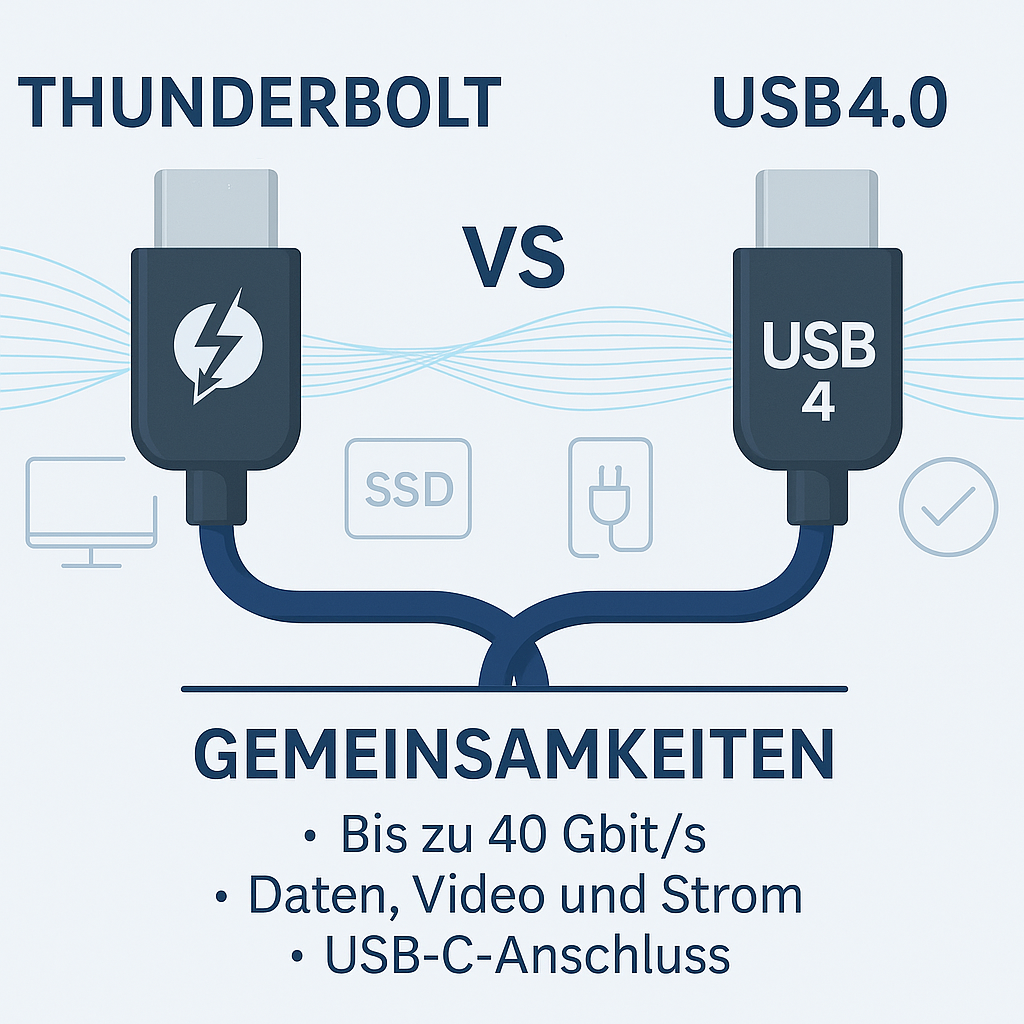
Design and packaging for service centres and specialist retailers
Compact plug adaptors take up little space in a service case. Versions with a short connection cable make it easier to position them next to the device. Ensure that adjacent sockets remain accessible and that no heavy cables are pulling on the port. Depending on the item, bulk, polybag or DINIC box options are available. Our overview of packaging types explains the details.
USB charging adaptors for hubs with PD input Add a USB-C power supply to your compatible hub. Select the power output per individual port and the charging profiles to suit your hub, laptop and charging cable. View USB charging adapters →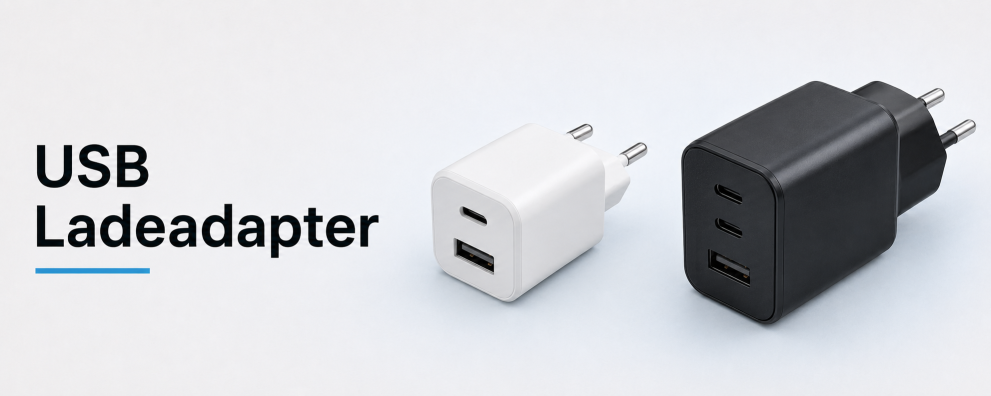 DINIC counter displays for your range of accessories Complement your adapters and hubs with a selection of USB-C cables and charging accessories for the counter or till. Choose a display range to suit your sales area and your customers’ needs. View counter displays →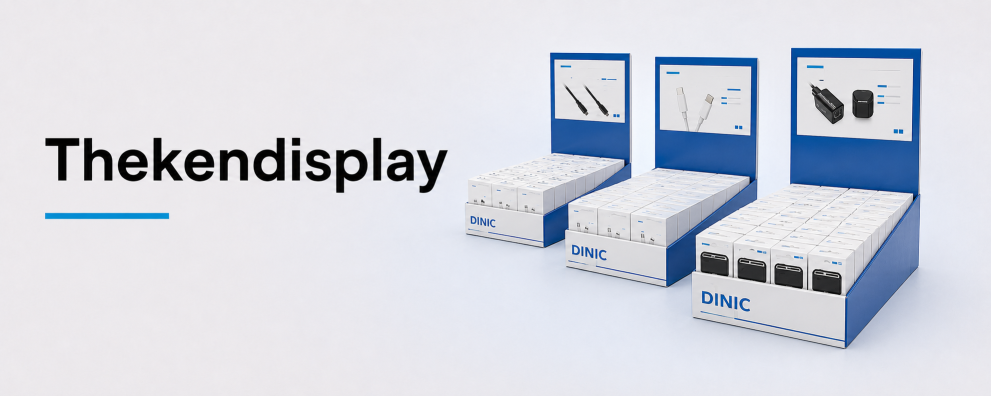
DINIC USB-C adapters for your commercial procurement
DINIC is a brand of MAG GmbH. Are you planning to equip a workstation, put together a service kit or expand your retail range? Let us know the device type, required connectors, data rate, video and charging requirements, and the quantity required. We support specialist retailers, system integrators and commercial users in making their selection.
Request advice on USB-C adaptors and hubs